How to activate
Users with the role Dealer admin can find the Pending checklists page under configuration in the menu.
Pin Checklist
Open the Sidebar menu and go to Configurations:
Select Pending Checklists to open the page.
Managing Checklists per Pin Type
To add checklist to a pin, click on the penxil icon on the right side:
Here you can add and edit the checklist connected to this pin.
It is possible to add a VIN number to the checklist, then the checklist will only be added to workorders with the corresponding brand.
Only eligible checklists are shown in the dropdown.
Excluded Checklists
The following checklist types cannot be selected:
These checklists cannot be automatically assigned to a pinned intervention.
Changing the checklist order
When multiple checklists are assigned, you can click on the grey arrow icon to change the order.
Automatic Checklist Assignment
When a checklist is connected to a specific Pin type:
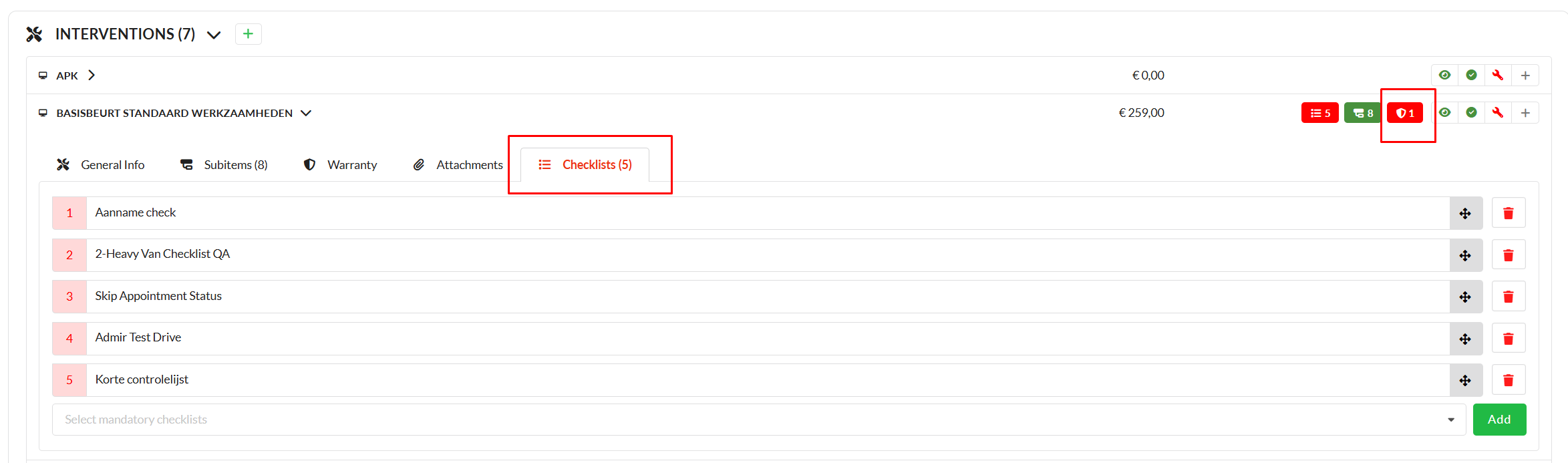
More information about assigning an intervention to a checklist can be found
here.
Checklist Assignment Rules
Checklist assignment depends on the Work Order status and checklist type:
Appointment Status Checklists
Info Checklists
One-time Checklists
Service Checklists
This feature automatically assigns a checklist to any service you accept through Customer Communication (Online Check-in), so the mechanic knows exactly what to check.
On the Service Checklist page, a list of services configured at the location level will be displayed. The list can be verified on the Check-in Service page.
Managing Checklists per Services:
When you open the Add Checklist modal:
You can see for which Service type the checklist is being selected.
The assignment, ordering of the checklists are already explained above in the Pin Checklists section.
When an accepted service is converted into an intervention, the configured checklists will automatically be displayed and assigned on the Service intervention.
Intervention Checklists
This feature automatically assigns a checklist to the intervention based on the words in the intervention title.
Select Intervention Checklists.
If the intervention on the workorder matches the intervention title entered, the checklist will be linked to the intervention.

